What is ChirpStack?
ChirpStack is an open-source LoRaWAN Network Server stack that provides a complete solution for building and managing LoRaWAN networks. It enables organizations to deploy their own private or public LoRaWAN infrastructure for Internet of Things (IoT) applications.
Key Point: ChirpStack implements the LoRaWAN protocol specifications and provides all the necessary components to operate a fully functional LoRaWAN network.
Core Components
ChirpStack consists of several modular components that work together to provide a complete LoRaWAN solution:
ChirpStack Gateway Bridge
A service that bridges LoRa packet forwarder protocols to a common data format. It converts the gateway-specific protocol (like Semtech UDP packet forwarder) into a unified format that ChirpStack can understand.
ChirpStack Network Server
The core component that implements the LoRaWAN network layer. It handles:
- Device authentication and authorization
- Message deduplication
- Frame counter validation
- MAC command handling
- Data rate adaptation
ChirpStack Application Server
Provides a web interface and APIs for device management and integration. Features include:
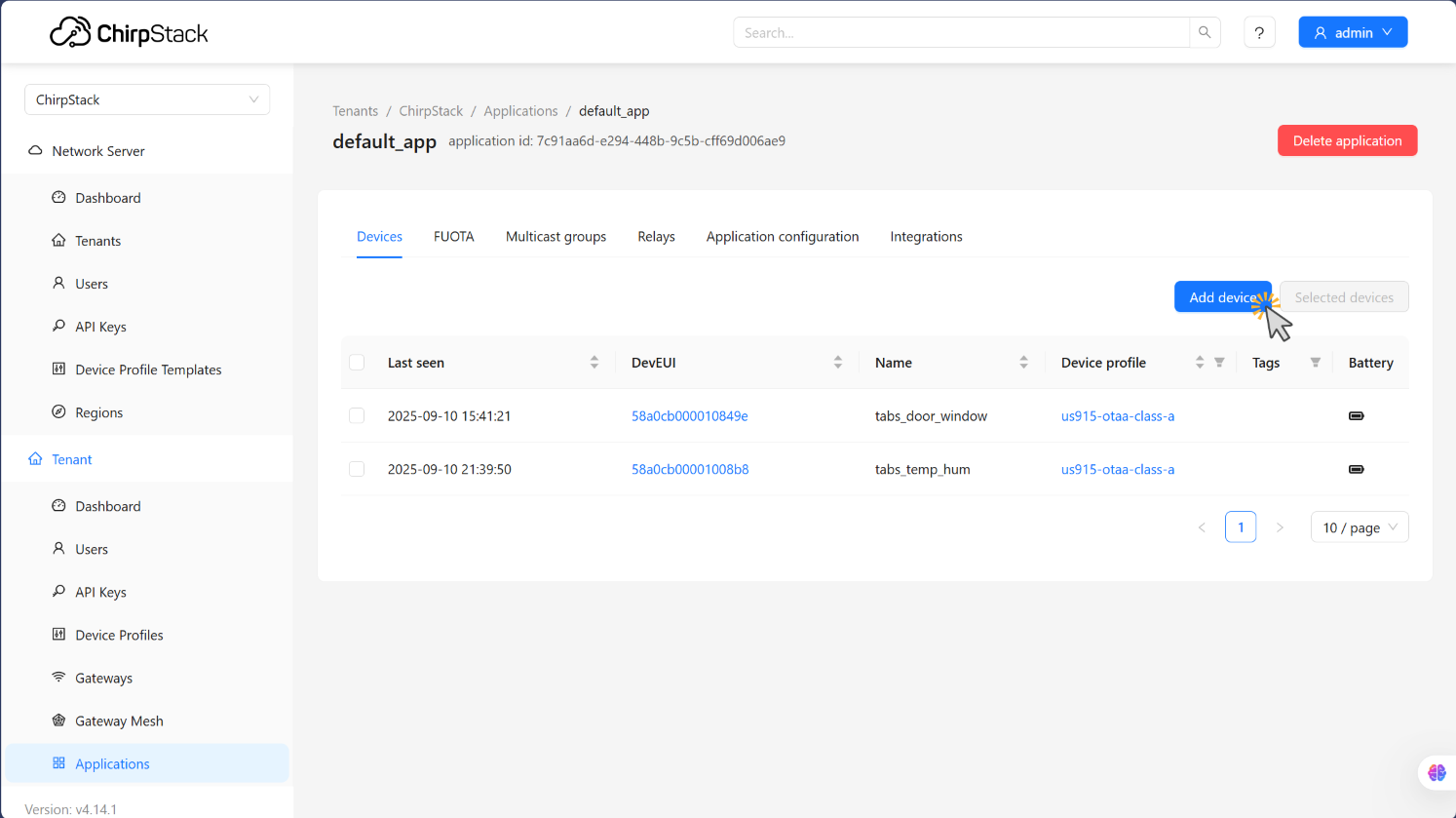
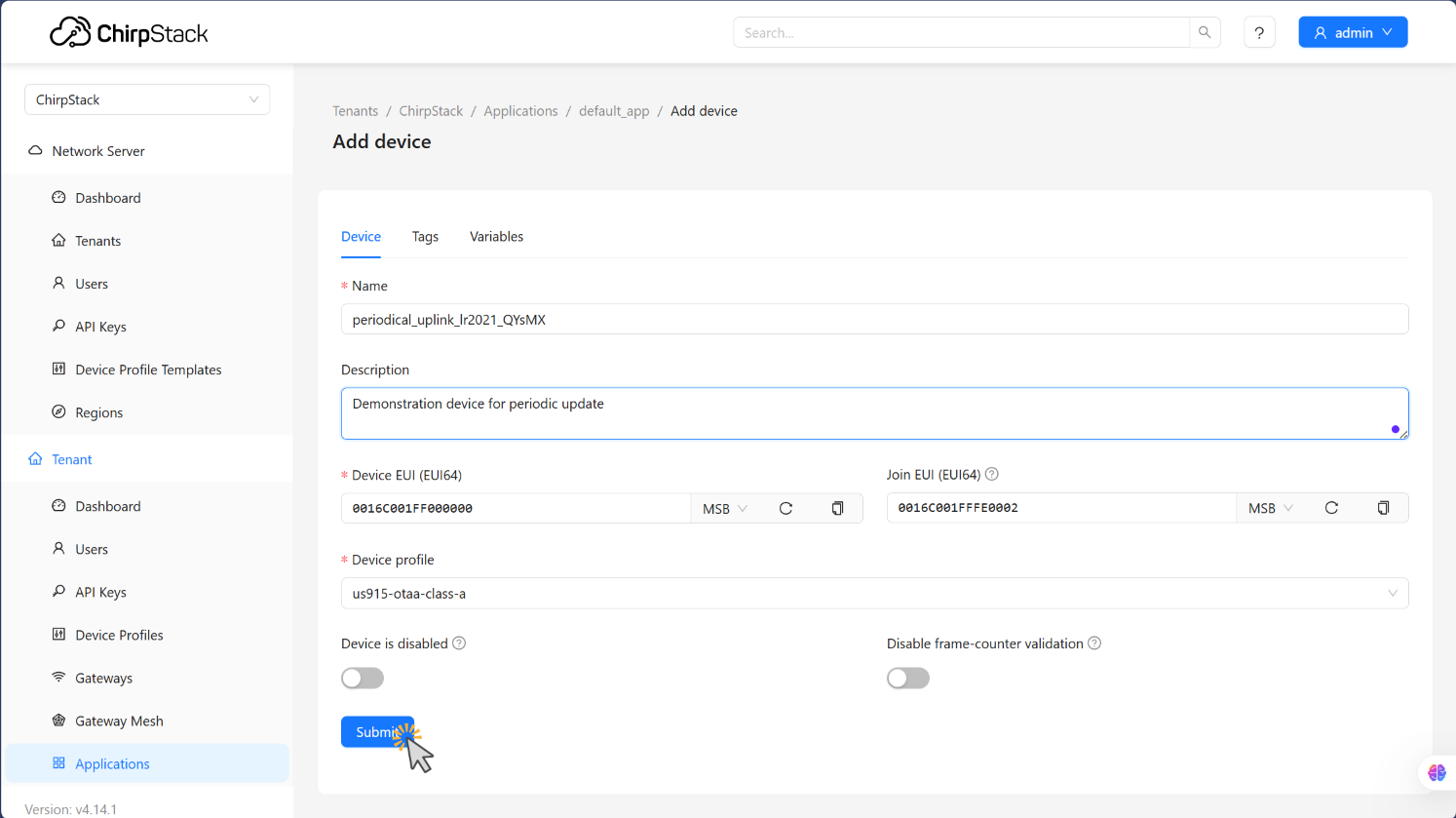
- Web-based UI for device and gateway management
- RESTful and gRPC APIs
- Device profiles and service profiles
- Multi-tenancy support
- Integration with external services
Key Features
- Open Source: Fully open-source under the MIT license
- Standards Compliant: Implements LoRaWAN 1.0.x and 1.1.x specifications
- Scalable: Supports from small deployments to large-scale networks
- Multi-Region Support: Configurable for different regional parameters (EU868, US915, AS923, etc.)
- Device Support: Compatible with Class A, B, and C devices
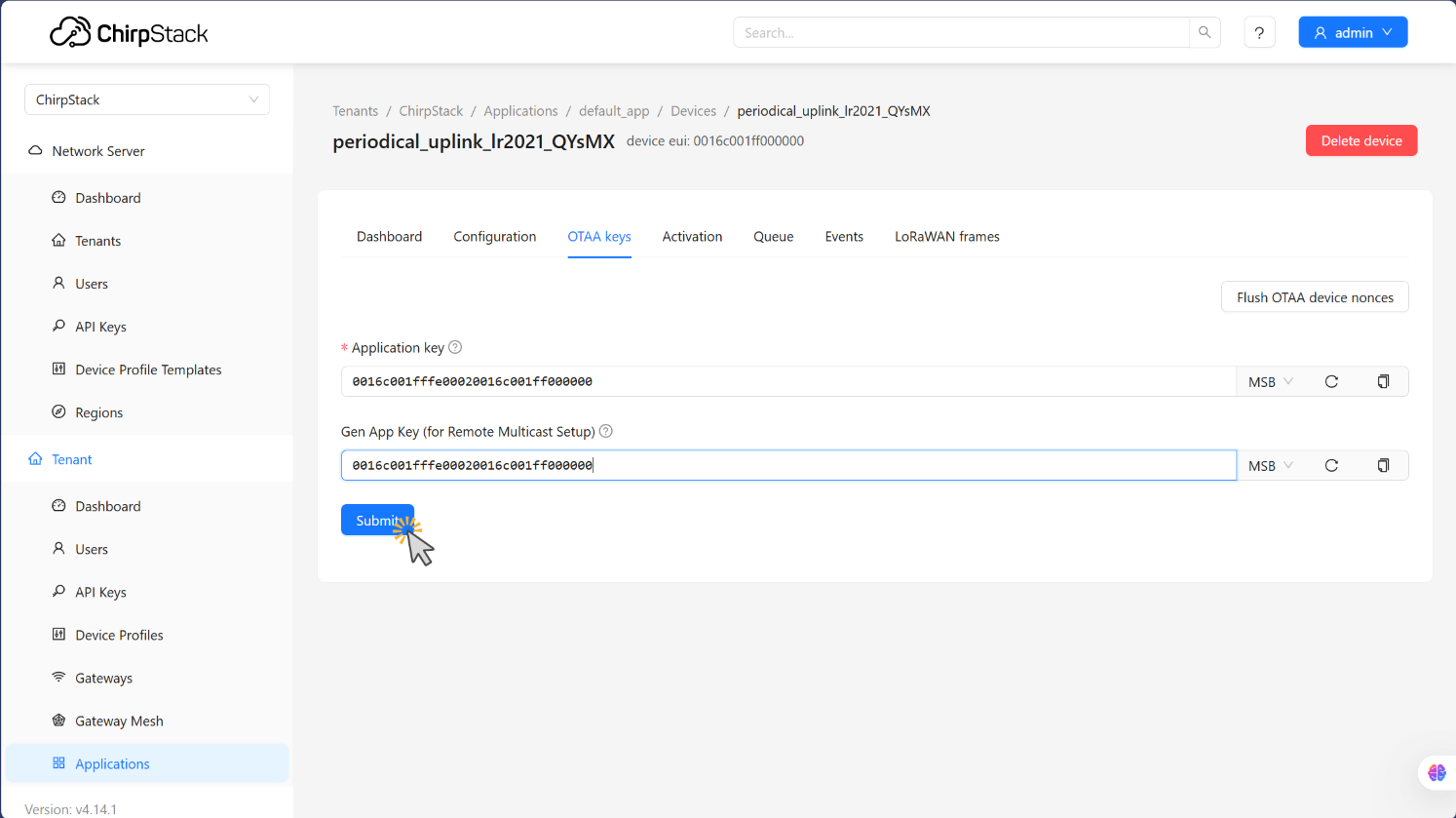
- Security: Implements LoRaWAN security including OTAA and ABP activation
- Integration Ready: Built-in integrations for popular platforms like AWS IoT, Azure IoT Hub, and MQTT brokers
Architecture Overview
ChirpStack follows a modular architecture that allows for flexible deployment options:
- LoRa Gateways receive radio signals from devices and forward them to the network
- Gateway Bridge translates gateway protocols to a common format
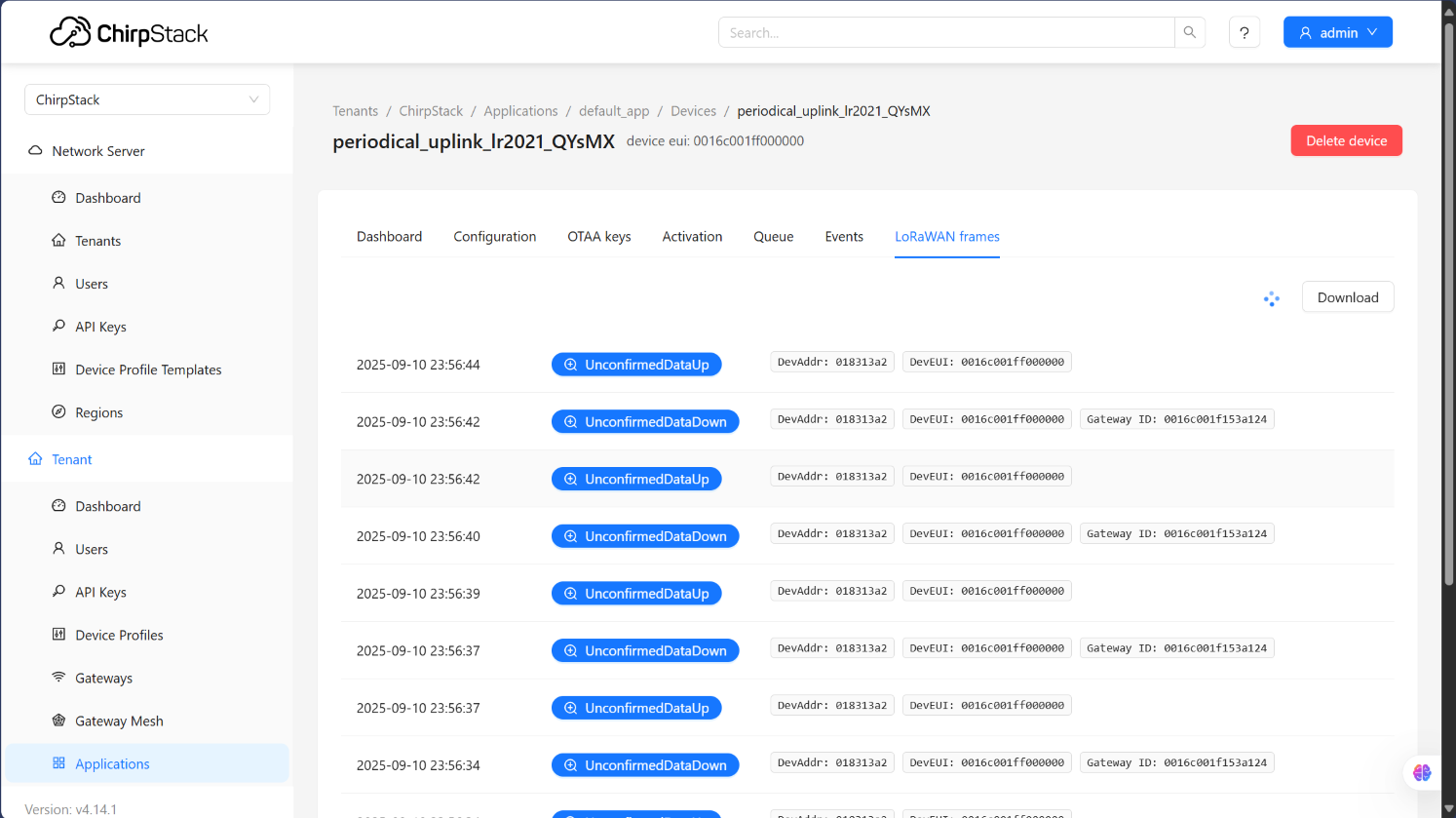
- Network Server processes LoRaWAN frames and manages the network
- Application Server provides user interfaces and application integration
- External Applications consume data through APIs or integrations
Use Cases
ChirpStack is suitable for various IoT applications:
- Smart Cities: Street lighting, parking sensors, waste management
- Agriculture: Soil monitoring, irrigation control, livestock tracking
- Industrial IoT: Asset tracking, predictive maintenance, environmental monitoring
- Building Management: HVAC control, occupancy sensing, energy monitoring
- Utilities: Smart metering, leak detection, grid monitoring